When I use PlugMate on Windows, it has a different icon placement than on my Android. Why? Isn’t it supposed to display icons in the same positions and the same folders I put them in on Android?
I’m running the latest version of everything: PlugOS, the PlugOS app on Android, and the PlugOS program on Windows.
When PlugMate connects to a phone, it emulates a phone desktop. When connected to a PC, it displays in a large window as tablet mode. The desktop layout will re-arrange on the first switch between hosts. After that, the layouts for the two modes are saved separately, and will not re-layout again when switching hosts later.
This behaviour makes no sense.
-
I want icons to be in the same spot on the smartphone as they are on PC.
-
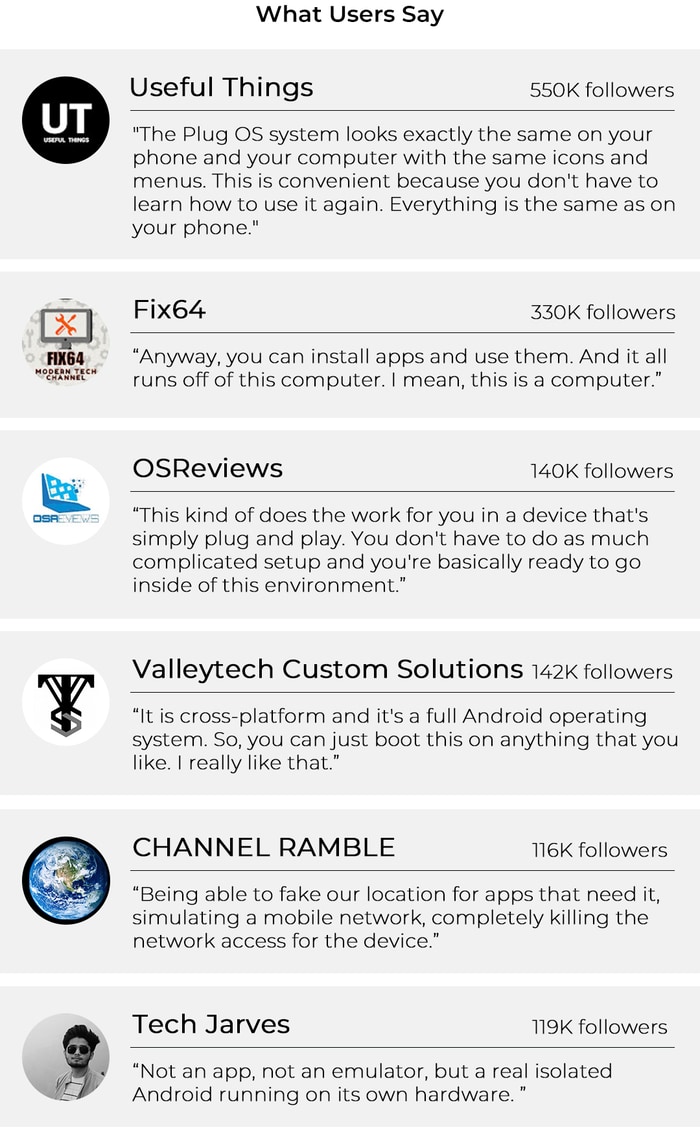
You advertise PlugOS as behaving the same way I want, not what you just described in this thread. This is what Kickstarter page says: “The Plug OS system looks exactly the same on your phone and your computer with the same icons and menus. This is convenient because you don’t have to learn how to use it again. Everything is the same as on your phone.”
-
Why would I want the same apps on PC that are located in different places than on smartphone? This seem like a bug, I ask you to fix it.
OK, so on smartphone PlugOS goes into smartphone mode and on PC it goes into tablet mode. Now that makes sense and that is a better soltuion than keep using smartphone mode on PC.
A few options could make it better:
- Option to allow smartphone mode on PC (option, not forcing into one or another).
- Option to sync folders (with apps inside) between smartphone and tablet mode.
- Options to sync icons arrangement between smartphone mode and tablet mode.
Agree with you. Either keeping the same icon layout or adding a option will deliver a better user experience. I will keep following up on this to see if we can find a suitable solution.Welcome more feedback from you.
Thanks!
1 Like